
Last week, I was scrolling through Reddit when I saw a post. The title was nothing special: "It's 2026. How many email accounts do you actually use? Trying to build a clean system."
The person already had four accounts set up — one for banking, one for work, one personal, one for signing up for random stuff. They weren't asking "is this too many?" They were asking "has anyone else figured out a system that actually works?"
36 comments. Most of them started the same way: "I used to..."
One person talked about using a single Gmail for everything — bank, work, mom's birthday, that newsletter they subscribed to in 2019 — and worrying every day that one hack would take down their entire digital life. Another said they'd created a separate email for every service, and now couldn't remember which one they used for their bank. Someone else described opening four tabs every morning, clicking through each one, still feeling like they were missing something important.
I read those comments and thought: Yeah. That's exactly how it is.
I Used to Be a "One Email for Everything" Person
For years, I had just one Gmail. Everything went in there. Bank statements, work emails, Amazon receipts, that newsletter I signed up for at 2 AM to get a 10% discount — all in the same place.
Until it stopped working.
The first time, I couldn't find my doctor's confirmation email because it was buried under 40 promotional messages. The second time, I realized my entire digital identity — bank, work, personal life — was tied to one account that I'd once logged into on a café's public WiFi.
So I did what a lot of people do: I started creating new emails. One for work, one for personal, one for shopping, one for sign-ups. I told myself this would keep things organized.
Instead, the first ten minutes of every morning were spent jumping between tabs, trying to remember which email I'd used for "that thing."
What Those Comments Taught Me
Reading that thread, I noticed something. Almost nobody was asking "how many emails should I have?" in theory. They were asking because they were already drowning.
The patterns were clear:
People with one email worried about security. They knew everything — bank, work, personal — was in one basket. They'd heard about data breaches. They just didn't know what to do about it, and were afraid of making things more complicated.
People with too many emails worried about management. They'd overcorrected. Five, six, seven accounts, each one another tab to check. The organization they'd been chasing had become the thing making their mornings anxious.
Almost nobody was thinking about "roles." They were creating emails reactively — every time things felt messy, they'd make a new one — instead of sitting down and asking: What jobs do my emails actually need to do?
That last one was the turning point for me.
Stop Counting. Think About Roles.
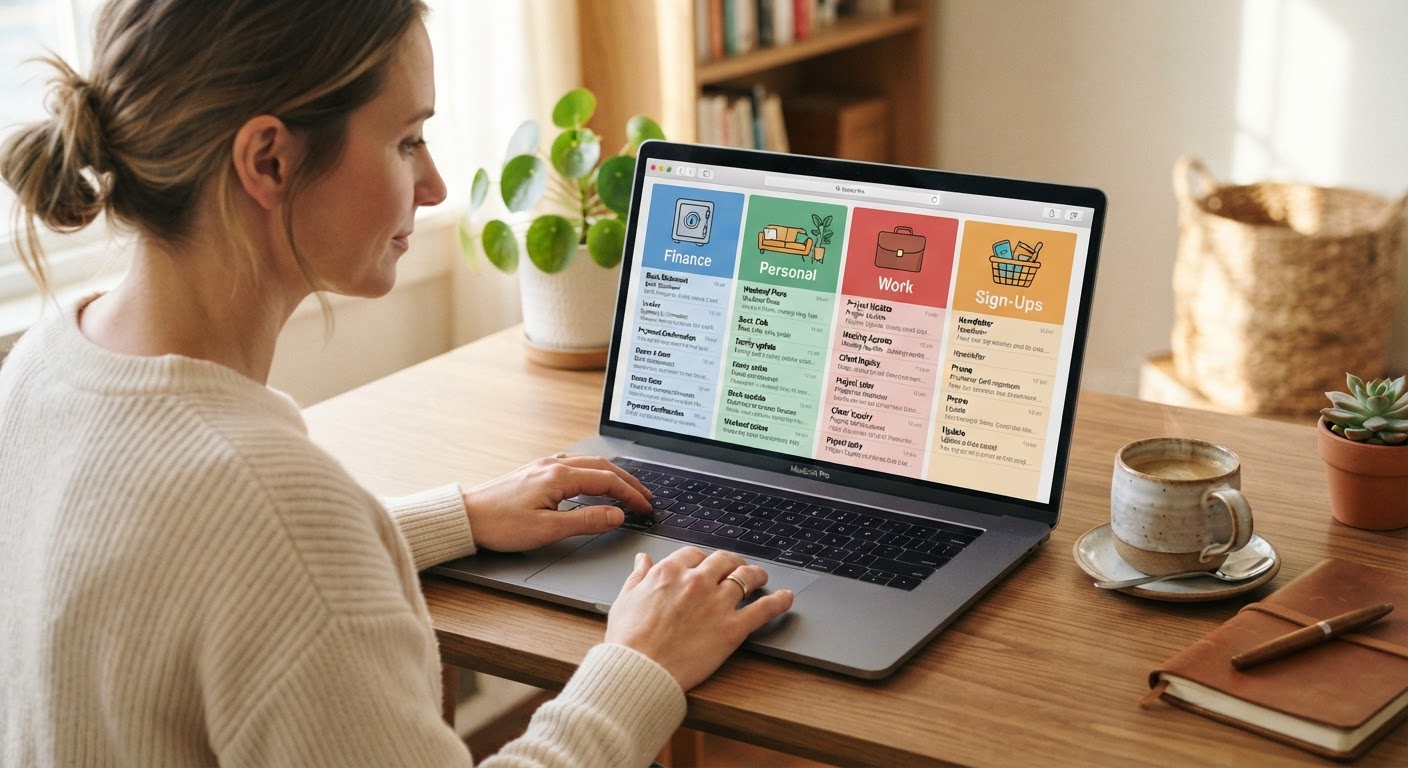
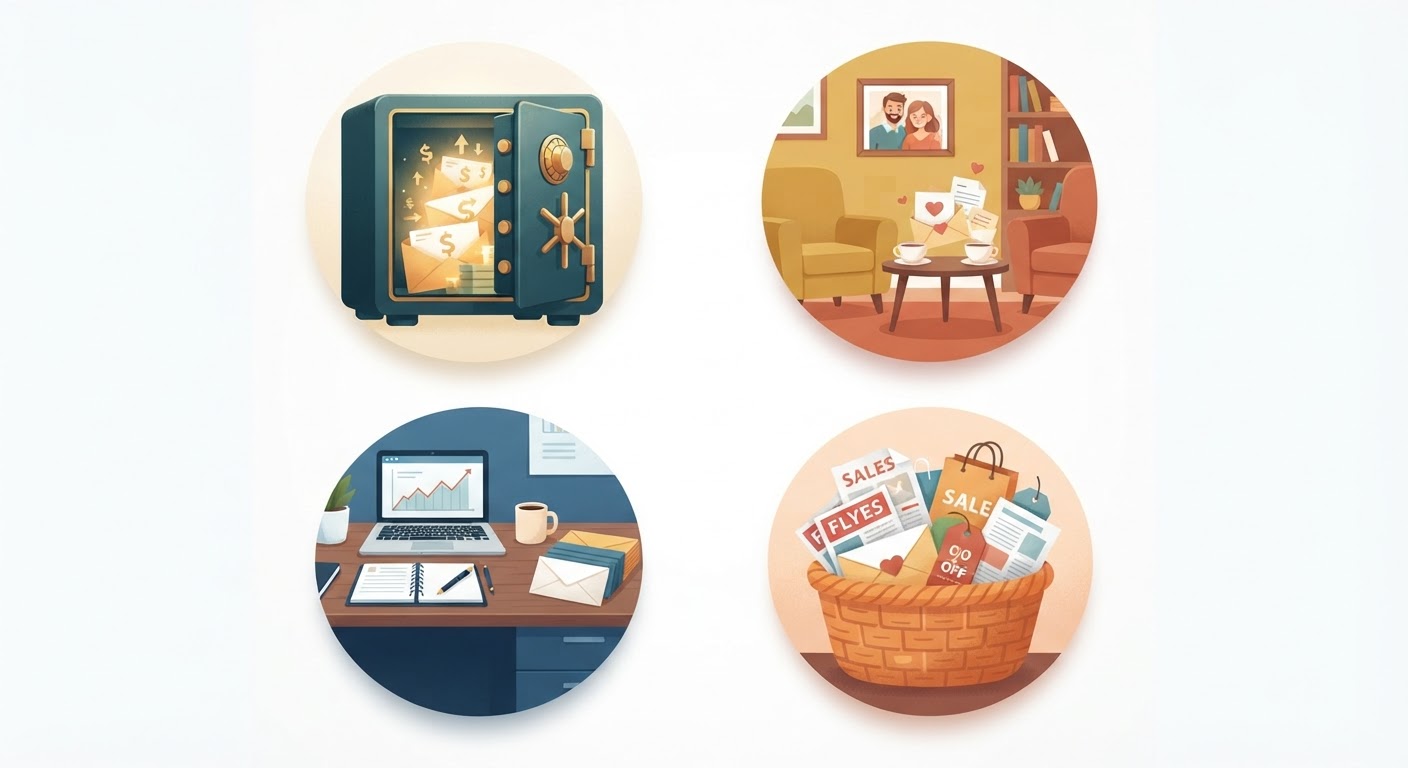
When I stopped asking "how many" and started asking "what for," the answer became obvious. My email life had four different jobs:
The safe. The really important stuff. Bank, investments, tax documents, password recovery for everything else. There's almost nothing in here — maybe a small email once a week. The quiet is intentional. If someone hacked this account, my life would get genuinely complicated. So I treat it like a safe: strong password, hardware 2FA (Google recommends security keys for high-value accounts), and I never use it to sign up for anything trivial.
The living room. My main personal email. Friends, family, things I actually want to read. It's not perfectly clean — I'm not pretending to be that person — but it's comfortable. I check it a few times a day, and it doesn't make me anxious.
The office. Work stuff. When I close my laptop at 6 PM, I don't look at this email. That boundary didn't exist when everything was mixed together. Having a separate work email gave me real permission to "leave work."
The junk drawer. This is where I sign up for things. New apps, random websites, newsletters I want to try, online shopping. I know this inbox will have spam. That's its job. It absorbs the noise so the other inboxes stay clean. I check it maybe once a week.
Four roles. Four emails. Each one has a clear purpose, and none of them are doing double duty.
The Hard Part Nobody Talks About
Something I wish someone had told me earlier: figuring out the right number of accounts is the easy part. The hard part is living with them every day.
Because even with a clean four-account setup, you're still switching between them. Logging in and out. Remembering which password goes with which account. That low-grade anxiety — wondering if you missed something, in some inbox you haven't checked in three days.
Someone in that Reddit thread said it perfectly: "The problem isn't having multiple emails. The problem is that every email client makes you feel like you need to check all of them, all the time."
That's exactly it. So here's what actually worked for me:
I don't check all my emails equally anymore. The safe gets a glance once a week — or I get notified if something comes in. The living room gets checked a few times a day. The office stays closed after work hours. The junk drawer gets checked on Sunday mornings with coffee. Not every email deserves the same attention. Treating them differently is a relief.
I don't try to remember everything anymore. I use a password manager. I know that sounds obvious, but I didn't start using one until I forgot which email I'd used for my health insurance portal and spent 40 minutes locked out. A password manager solves more than passwords — it solves the "which email did I use for this?" problem too, because I can look it up.
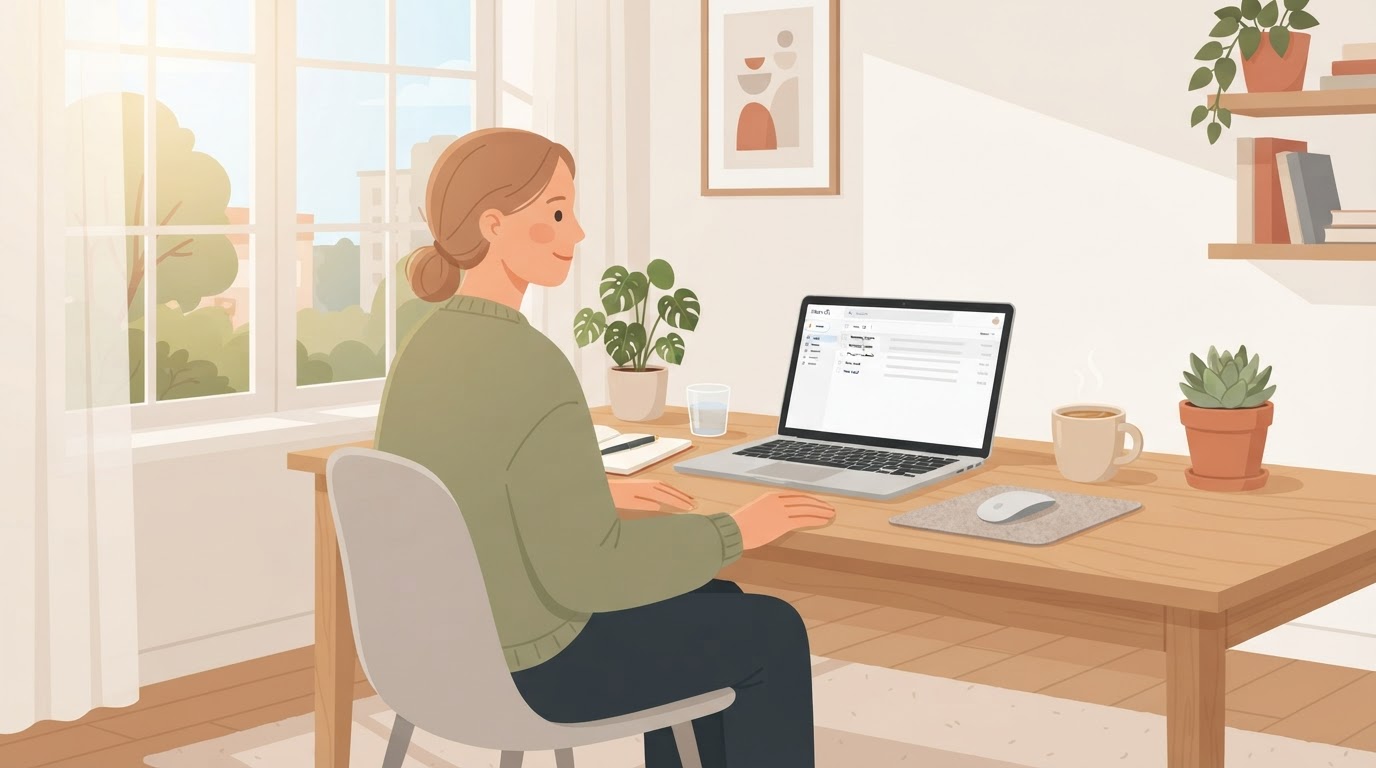
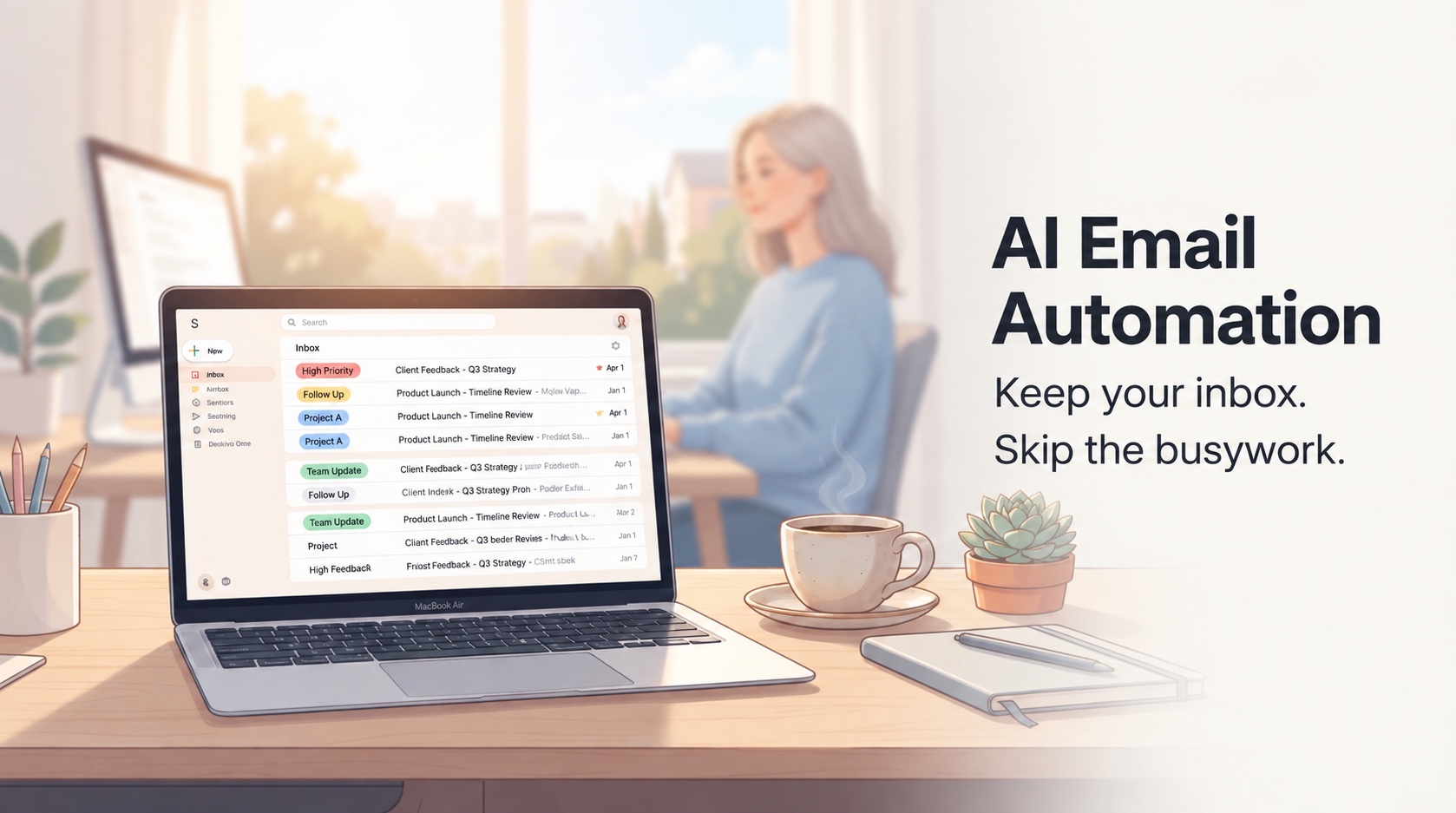
I found one place to see everything. This was the biggest quality-of-life improvement. Instead of opening four tabs or switching between apps, I use a unified inbox that pulls all my accounts together. I can see all new messages, reply from any account, and prioritize what actually needs my attention.
I use ZenAion Auto Inbox for this — it connects my Gmail and Outlook accounts into a single, AI-organized view. But the principle matters more than the tool: find a way to reduce the friction of switching between accounts. If you're logging in and out of four different email clients every day, you're not going to stick with the system.
Mistakes I Made
Don't create a new email every time you need one. I used to make a new account for every project or service. It felt organized at the time. It was actually chaos. Now I only create a new one when there's a genuinely new "role" that doesn't fit any existing account. Otherwise, I use aliases — like myname+shopping@gmail.com — they forward to my real account but let me filter and track where things are coming from.
Your recovery plan matters more than your organization system. I spent so much time thinking about how to organize my emails, I barely thought about what would happen if I lost one of them. Now my safe account has a hardware security key, a backup recovery email, and a password I've never typed on a public computer. If I lose that account, I lose access to my bank. That's not a risk I'm willing to take casually.
The junk drawer needs maintenance. I used to treat my sign-up account like a black hole — never checked it, never cleaned it out. Then I realized I was missing shipping confirmations, account verifications, occasional important messages. Now I check it weekly and auto-archive anything older than 30 days. It's a junk drawer, not a garbage dump.
Separation is a feature, not a burden. The biggest benefit of having separate accounts isn't organization — it's boundaries. When work email is separate from personal, I can actually disconnect at the end of the day. When financial email is separate from sign-ups, I can spot something suspicious in seconds instead of digging through a hundred promotional messages.
So, How Many Is Enough?
For most people, three to four is the sweet spot.
Three covers the basics: one for important stuff (finance, security, recovery), one for daily life (personal, communication), one for noise (sign-ups, shopping, experiments).
Four adds a dedicated work email — worth it if your job doesn't provide one, or if you're self-employed and need a boundary between "work mode" and "life mode."
Five or more? Only if you have genuinely separate roles — a side project, a volunteer position, a freelance gig — generating enough email to justify its own space. Beyond that, you're probably creating accounts reactively instead of designing something intentionally.
The Real Question Was Never "How Many"
Going back to that Reddit thread — the person had already settled on four accounts. They weren't asking if that number was right. They were asking if anyone else had found a way to make it not feel like a chore.
That's the real question. Not how many accounts you have, but whether each one has a clear purpose, and whether you can manage them without friction.
If you have one email for everything and it works for you — great. But if you're feeling overwhelmed by noise, worried about security, or tired of checking four inboxes every morning, maybe it's time to think about roles, not just add more accounts.
The goal isn't to have a perfect system. The goal is to open your email and not feel a little spike of dread. To know your important stuff is safe. To be able to close your laptop at the end of the day and actually be done.
That's what a good email setup gives you. Not productivity. Not optimization. Just less friction in a part of your life you'd rather not think about too much.

留下評論
僅供預覽:留言只在目前頁面顯示,不會儲存或發布。
評論 (0)
暫無評論。