
52 Unread Emails: How I Stopped Panicking & Tamed Inbox Overwhelm
Reading time: 12 minutes
Last updated: September 22, 2026
TL;DR: I went from email anxiety to inbox control by setting up auto-filters, creating a simple 4-folder triage system, and checking email only 3 times a day. Here's the real story — including the failures along the way.
Table of Contents
- That Morning Two Years Ago: When Email Overwhelm Hit Hard
- The Day I Deleted 300 Emails: My First Email Management Win
- First I Tried Batch Processing: Why Timing Alone Doesn't Work
- Then I Started Categorizing: The Email Triage System That Changed Everything
- I Failed a Few Times in Between: Real Email Productivity Struggles
- Now My First Thing in the Morning: My Daily Email Routine
- Sometimes I Still Slack Off: Being Honest About Email Habits
- An Unexpected Benefit: The Real Change Wasn't About Emails
- Frequently Asked Questions About Email Overwhelm
- Related Resources for Managing Email Overload
That Morning Two Years Ago: When Email Overwhelm Hit Hard
It was a Tuesday. I remember because Tuesdays are supposed to be normal days, and nothing about what happened next felt normal.
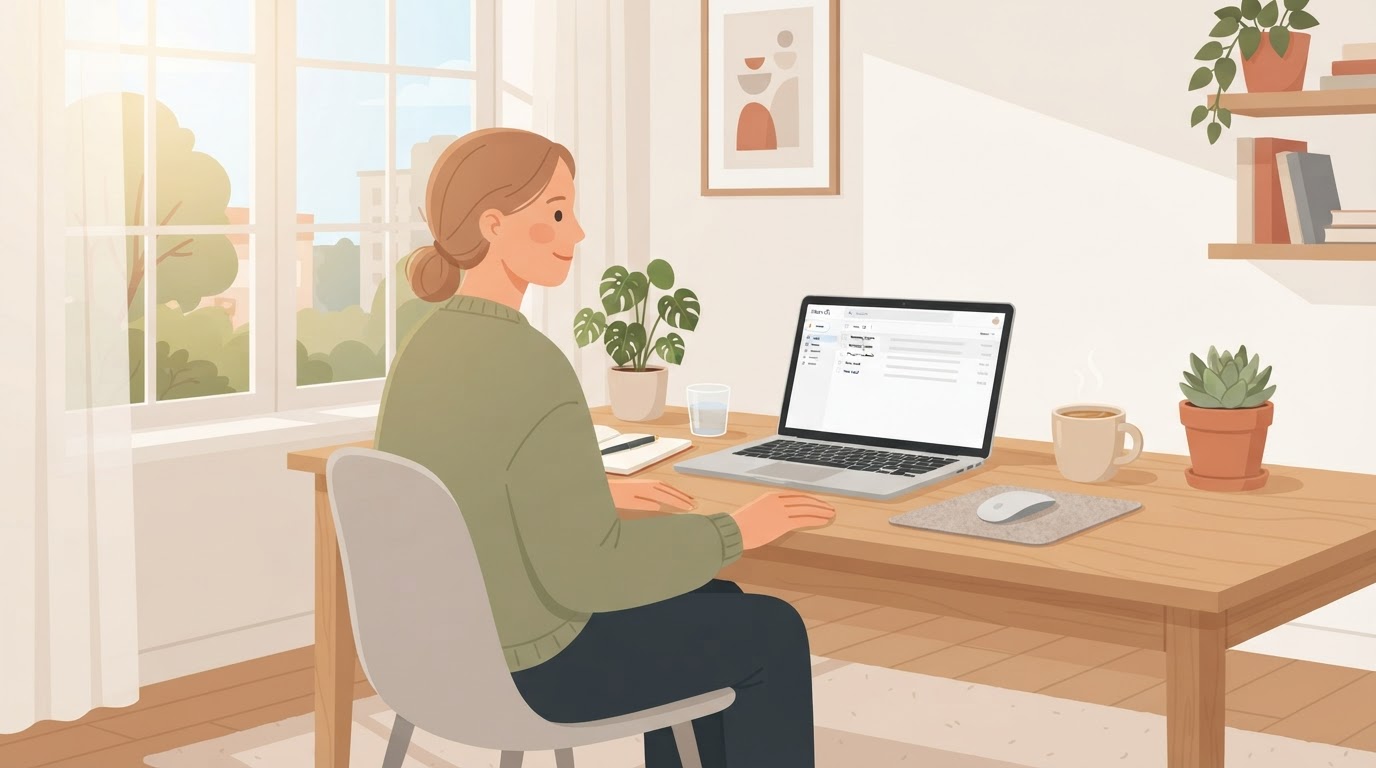
I sat down with my coffee, opened my laptop, and there it was: 52 unread emails. Some of them had subject lines that started with "URGENT" or "ASAP!!!". One had three exclamation marks in a row. Another just said "We need to talk." — no context, no sender name I recognized, just those four words sitting in my inbox like a landmine.
My chest tightened. I could feel the anxiety creeping in before I'd even finished my first sip. I started doing what I always did — scanning from the top, opening the first one, reading it, feeling a spike of stress, opening the second one to "just check," and then the third, and then the fourth, and within ten minutes I'd read fifteen emails, responded to none of them, and felt worse than when I started.
Some were "No Action Necessary." Some were "Drop Everything And Respond NOW." And most were somewhere in that awful middle ground where you can't tell which category they belong to until you've read the whole thing carefully.
So I closed the laptop. I didn't process anything. I just… walked away.
That was my reality back then. Every single day.
If this sounds familiar, you're not alone. According to a study published in the Harvard Business Review, email overload is one of the top sources of workplace stress, affecting productivity, mental health, and even physical well-being.
The Day I Deleted 300 Emails: My First Email Management Win
It wasn't some big epiphany. I didn't read a productivity book or attend a workshop. I just got tired.
I was doing the math one night — I was getting about 50 emails a day, including weekends. Fifty. Every day. And I'm not even in a customer-facing role. I'm just… someone who gets copied on a lot of threads and subscribed to a lot of lists years ago and never cleaned up.
I thought: I'm spending more time managing email than actually doing work. And I don't even have eight good hours in me a day. Some days it's more like six. Or four, if the brain fog is bad.
So I did something reckless. I selected everything older than two weeks — newsletters I'd never open, notifications from tools I'd stopped using, CC threads where I was clearly just a spectator — and I hit delete.
300 emails. Gone. One click.
My hand was shaking a little. I kept waiting for something to blow up.
Nothing did.
The world didn't end. Nobody emailed me saying "Hey, did you see that thing I sent three weeks ago?" Because nobody sends things that actually matter and then forgets about them in three weeks.
That's when I realized: most of it wasn't important. I was treating every email like it carried the same weight. And that was the problem.
This aligns with what productivity experts call the Pareto Principle — roughly 80% of the value comes from 20% of the emails. The rest is noise.
First I Tried Batch Processing: Why Timing Alone Doesn't Work
After the great deletion, I thought the solution was simple: just be more disciplined. Check email twice a day. Process everything in those windows. Be efficient.
So I set two 30-minute windows — 10am and 3pm — and outside those times, I kept my email closed.
It lasted about four days.
The problem was that 30 minutes wasn't enough to get through everything that had piled up, so I'd rush. I'd skim. I'd miss things. And then I'd spend the next window re-reading stuff I'd already half-read but didn't actually process.
One person on Reddit described it perfectly: "I open every single one. Because I can't afford to miss the important ones. And by the time I've read them all, categorized them, and figured out what needs a response — it's noon, and I haven't touched my actual work."
That was me. Exactly. I was reading everything because I was terrified of missing something. And the reading itself felt like work, even though nothing was actually getting done.
I realized batch processing alone wasn't the answer. The problem wasn't when I checked email. It was what I was checking.
For more on why time-blocking alone doesn't solve email overwhelm, check out Cal Newport's Deep Work principles.
Then I Started Categorizing: The Email Triage System That Changed Everything
This was the real turning point. I stopped trying to process every email and started trying to sort every email.
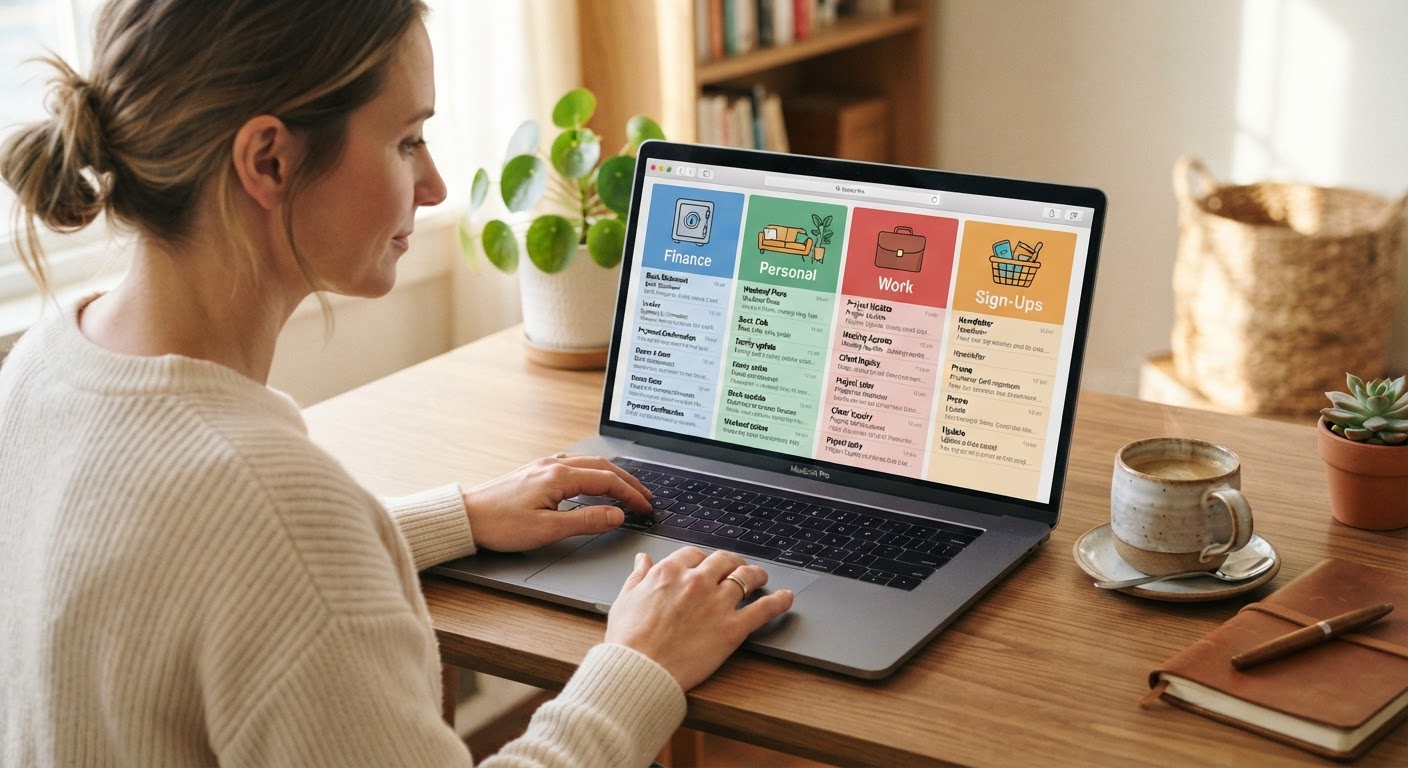
I created four folders:
- To Do — URGENT (needs action today, someone's waiting)
- To Do — SOON (needs action this week, but nothing will explode)
- WAITING (I've replied or delegated, now I'm waiting on someone else)
- Review Later (newsletters, CC threads, notifications — things I'll look at if I have time, which honestly I rarely do)
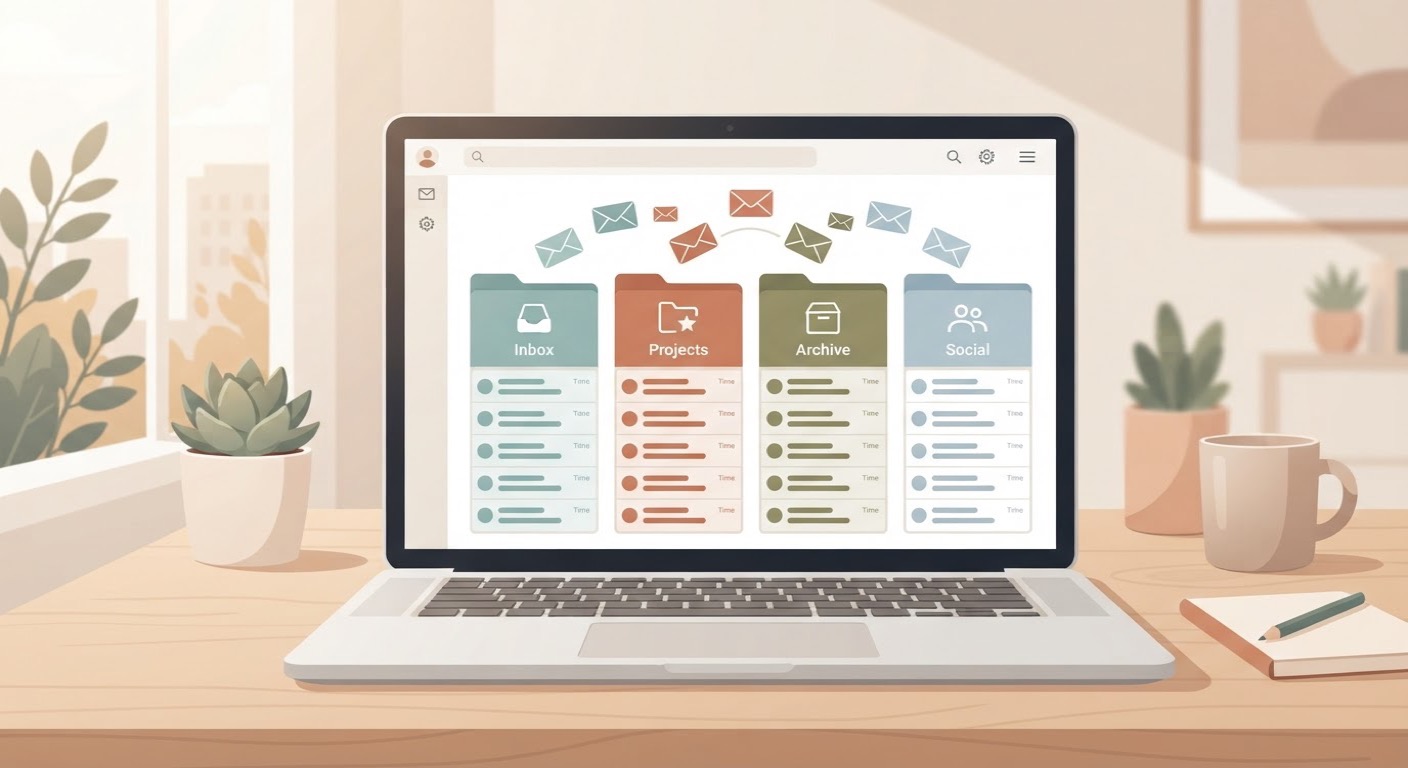
Then I set up auto-filters. This was the part that changed everything. I created rules so that:
- Newsletters and mailing lists → auto-filed to "Review Later"
- Automated notifications (Jira, GitHub, Slack digests) → auto-filed to "Review Later"
- Threads where I'm only in the CC field → auto-filed to "Review Later"
- Direct messages from my boss, clients, or key collaborators → stay in my main inbox
The result? My main inbox went from 50 emails a day to maybe 8–12. And those 8–12 were almost always things that actually needed my attention.
Someone described this approach in a way that stuck with me: "Ok, with all the safe ones out of the way, this is the list of potentially hazardous emails. Anything in here look like it's about to detonate? No? Ok, I'm good for now."
That's exactly what it felt like. For the first time, I could look at my inbox and know what was urgent without having to read everything first.
How to Set Up Email Filters
If you're new to email filters, here are some quick guides:
- Gmail: How to create filters in Gmail
- Outlook: Manage email messages by using rules
- Apple Mail: Create rules in Mail on Mac
For more advanced automation, tools like Zapier or Make can connect your email to other apps and automate workflows.
I Failed a Few Times in Between: Real Email Productivity Struggles
I want to be honest about this part, because every article about email productivity makes it sound like once you find the right system, you just… keep using it forever.
That's not what happened.
Failure #1: The Filter Overkill
I got excited about rules and created like fifteen of them. Some were too aggressive — emails from a client I actually needed to see got auto-filed to "Review Later" because they matched a pattern I'd set for that company's mailing list. I missed something important. Spent a day rebuilding my filters more carefully.
Lesson: Start with 3–5 simple filters, then refine over time.
Failure #2: The Waiting Folder Graveyard
I moved everything I was waiting on into the Waiting folder and then… forgot about it. I didn't set a reminder to check it. Things fell through cracks. Had to learn the hard way that a system only works if you actually look at it.
Lesson: Set a weekly calendar reminder to review your Waiting folder.
Failure #3: The 10pm Email Spiral
Even after I had filters and folders, I kept checking email before bed. "Just one quick scan." That one scan would turn into 45 minutes of reading, responding, opening new threads, and lying awake at 2am thinking about what I forgot to reply to. The system didn't matter if I didn't respect my own boundaries.
Lesson: Use app blockers or "Do Not Disturb" modes to enforce email boundaries. Tools like Freedom or Cold Turkey can help.
Failure #4: Treating Every "URGENT" Subject Line as Actually Urgent
People write "URGENT" in subject lines all the time when it's not urgent at all. I had to learn to look at who sent it and what the actual ask was, instead of reacting to the subject line.
Lesson: Train yourself to scan the sender and context before reacting to subject lines.
None of these were catastrophic. But each one made me want to give up and go back to just… suffering. Which is dumb, because suffering was the default and it wasn't working either.
Now My First Thing in the Morning: My Daily Email Routine
Here's what my morning actually looks like now. It's not perfect, but it works.
7:30am — Coffee, Not Email
I don't open my laptop until I've had coffee and done a quick review of what's on my plate for the day. This sounds small but it's huge. I start the day with my priorities, not someone else's.
8:15am — First Email Window (20 Minutes)
I open my inbox. Because of the filters, I'm looking at maybe 8–12 messages. I do a triage-only pass:
- Is this a fire? → Move to Urgent
- Does it need a response this week? → Move to Soon
- Am I waiting on something here? → Move to Waiting
- Is this noise? → Already filtered, or I archive it
I don't respond to anything yet. I just sort. This takes maybe 5–8 minutes.
8:35am — Urgent Processing (20–30 Minutes)
I work through the Urgent folder. Respond, delegate, or escalate. When I'm done, those emails move out.
Then I close email. For real. Until my next window at 1pm.
1pm — Second Email Window (20 Minutes)
Same thing. Triage, then process. Check the Waiting folder to see if anything's been sitting there too long.
4:30pm — Final Sweep (10–15 Minutes)
Last check of the day. Update Waiting. Archive anything that's done. Make sure nothing urgent is sitting there overnight.
That's it. About an hour of email time total, spread across three short windows. The rest of the day is mine.
One person I read about suggested a 4:1 ratio — four hours of real work for every one hour of email. I'm not that disciplined. But I'm closer to 6:1 now, and that feels like a miracle compared to where I started.
Sometimes I Still Slack Off: Being Honest About Email Habits
I want to be really clear about this: I don't do this perfectly.
Some days I open email at 10pm "just to check" and end up spiraling for an hour. Some weeks I forget to check my Waiting folder and things slip. Some mornings I'm tired and anxious and I open my inbox before coffee because my brain wants the dopamine hit of reacting to something, even if it's just a newsletter.
And sometimes the volume spikes. End of quarter, big project launch, holiday season — whatever it is, sometimes I'll get 30 emails in a day and the filters can't catch everything and I'm back to feeling that old tightness in my chest.
When that happens, I don't beat myself up. I just go back to the system. Triage, sort, handle the fires, let the rest wait.
The difference now is that I have a system to go back to. Two years ago, when the volume spiked, I had nothing. I just… drowned.
I also got screened for some stuff. The anxiety and brain fog I was feeling wasn't just about email — it was about a lot of things. Talking to a doctor about that was probably as important as any email filter I ever set up. If you're struggling with focus and motivation alongside the inbox overwhelm, please don't assume it's just a "you should be more productive" problem. Sometimes it's a "you should talk to someone" problem.
An Unexpected Benefit: The Real Change Wasn't About Emails
Here's the thing I didn't expect.
It's not about the emails. It was never really about the emails.
The real change was that I stopped starting every day in a reactive state. For years, the first thing I did when I sat down was let other people's priorities flood my brain. Emails from my boss, from clients, from colleagues, from automated systems — all of them screaming "Look at me! Decide about me! Respond to me!" before I'd even thought about what I needed to do that day.
Now I start with my own list. I know what matters. I know what's waiting. And when I do open email, I'm looking at a small, sorted set of messages instead of a chaotic firehose.
The emails are still there. There are still 50 of them a day, probably. But most of them are in folders I don't have to look at. And the ones I do see? I can handle them.
Yesterday I opened my inbox in the morning and saw 52 unread emails. Same number as that Tuesday two years ago.
But this time, I just made my coffee, sat down, and started sorting. No chest tightness. No anxiety spiral. No closing the laptop and walking away.
Just 52 emails. And I knew exactly what to do with them.

Frequently Asked Questions About Email Overwhelm
How do I stop feeling overwhelmed by email every morning?
Stop trying to process everything at once. Set up auto-filters that sort incoming mail into folders — newsletters and notifications go to a "Review Later" folder, so your main inbox only shows messages that actually need you. Then check email in 2–3 short windows instead of all day. The goal isn't inbox zero; it's knowing what's urgent and knowing it won't blow up if you wait.
What's the fastest way to clear a massive email backlog?
Do a triage-only pass first — don't respond to anything, just sort. Create four folders: Urgent, Soon, Waiting, and Filtered. Move emails into them based on a quick scan. The first pass should take under 10 minutes. Then handle only the Urgent folder. Everything else can wait.
Can email overload cause real anxiety and burnout?
Yes. When every email could be a fire drill, your brain stays in threat-detection mode all day. People describe lying awake at 2am thinking about what they forgot to reply to, snapping at their partner because of email stress, and feeling like they worked all day without finishing anything that mattered.
What email tools or tricks actually save time?
The biggest wins come from your existing email client, not new apps. In Outlook, Quick Steps with keyboard shortcuts let you file, convert to task, or forward emails in one keystroke. Auto-filtering rules can sort incoming mail by sender or keywords. AI tools can summarize long threads and draft routine replies, cutting email time by 30–50%.
A calmer inbox is the goal
I still don't reach inbox zero every day. What changed is that I no longer treat every unread message as an emergency.
A small set of filters, four simple folders, and a few deliberate email windows give me enough control to focus on the work in front of me. When the system slips, I adjust it—I don't start over.
If your inbox feels heavy right now, start with one pass: sort messages into Urgent, Soon, Waiting, and Review Later. Don't reply to everything today. Just make the next decision clear.
You don't need a perfect inbox. You need one you can trust.
留下評論
僅供預覽:留言只在目前頁面顯示,不會儲存或發布。
評論 (0)
暫無評論。