
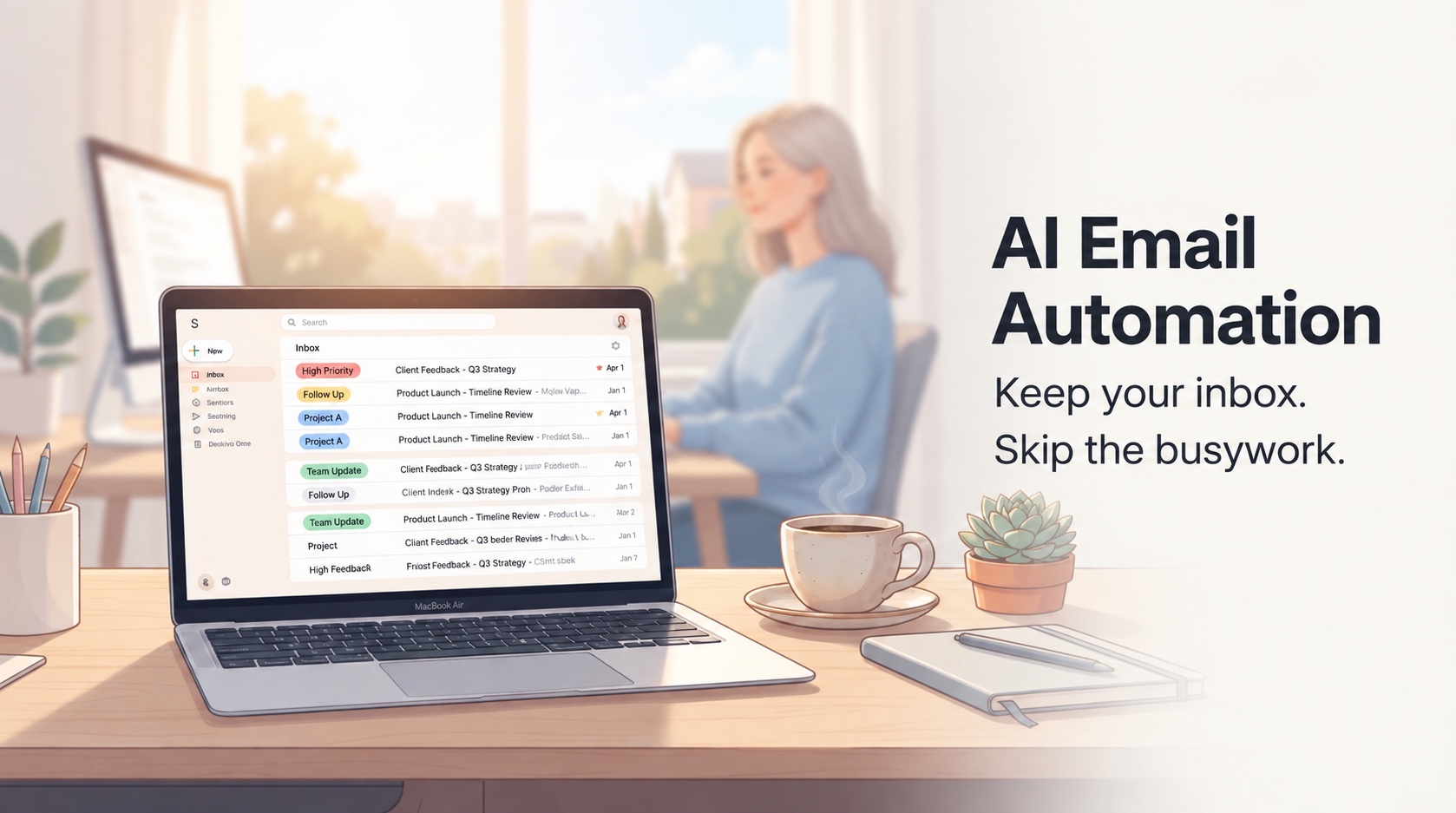
You open your inbox.
37 unread messages. Maybe more.
You scan the subject lines. Most of them are noise — newsletters you don't remember subscribing to, automated notifications, receipts, "FYI" emails that somehow still demand your attention.
Somewhere in there, buried under the clutter, are the messages that actually matter. The ones that need a reply. The ones that need action. The ones that, if you don't respond soon, will turn into something worse.
But you can't tell which ones those are yet.
So you start clicking. Opening. Skimming. Deciding. Closing. Opening another one.
And you think: I just want this to take less effort.
The Real Problem With Email Isn't Volume — It's the Constant Triage
Most people think email stress is about "too many emails."
It's not.
The real problem is the invisible labor that happens before you even start working:
- Opening messages that turn out to be irrelevant
- Wondering if something needs a reply, a follow-up, or nothing at all
- Trying to spot urgent threads buried under newsletters and system notifications
- Keeping half-finished mental notes like "I need to get back to that later"
- Checking your inbox again because you're afraid you missed something important
None of this sounds dramatic on its own.
That's exactly why it's so draining.
It's not one big painful task. It's a hundred tiny judgment calls that keep stealing your attention in the background. And over the course of a day, that background load becomes exhausting.
You stop noticing how much energy it takes to manually triage messages all day. But you still feel the effect:
- Slower focus
- Delayed replies
- Inbox avoidance
- The constant sense that you're slightly behind
You're not overwhelmed because you have too many emails. You're overwhelmed because you're doing the same repetitive sorting work over and over, every single day.
Why "Just Switch to a Smarter Email Client" Isn't a Real Solution
A lot of AI email products are built around a simple assumption: if email feels broken, you should move to a new interface.
Sometimes that means a new AI-native client. Sometimes it means a layered workspace with a different inbox experience. Sometimes it means yet another productivity app that wants to become the place where you handle communication.
That can work for some people.
But for most users, it solves the wrong problem.
If your work already runs through Gmail or Outlook, switching is rarely as simple as downloading a better-looking app.
You already have habits there. Your team is there. Your calendar is there. Your search history is there. Your folders, labels, rules, contacts, and day-to-day reflexes are already built into that setup.
So even if a new client looks smarter on paper, it may still create a new kind of friction:
- One more interface to learn
- One more place to check
- One more workflow that doesn't match the rest of your team
- One more tool asking you to adapt before it starts helping
That's why so many users aren't asking, "What should I replace Gmail or Outlook with?"
They're asking a much more practical question:
"How do I keep the inbox I already use, but remove as much manual work from it as possible?"
What You Actually Want From an AI Email Assistant
You're not looking for novelty. You're looking for relief.
You want to:
- Spend less time scanning every incoming message
- Notice important emails faster
- Stop treating newsletters, alerts, and random notifications like they deserve the same attention as real work
- Know what needs action without re-reading the same threads
- Reduce the mental clutter that builds up when everything lands in one place
In other words, you don't need a more exciting inbox.
You need a calmer one.
And that usually comes from better automation around triage, prioritization, and visibility — not from a total workflow migration.
AI Email Client vs. AI Email Assistant: What's the Difference?
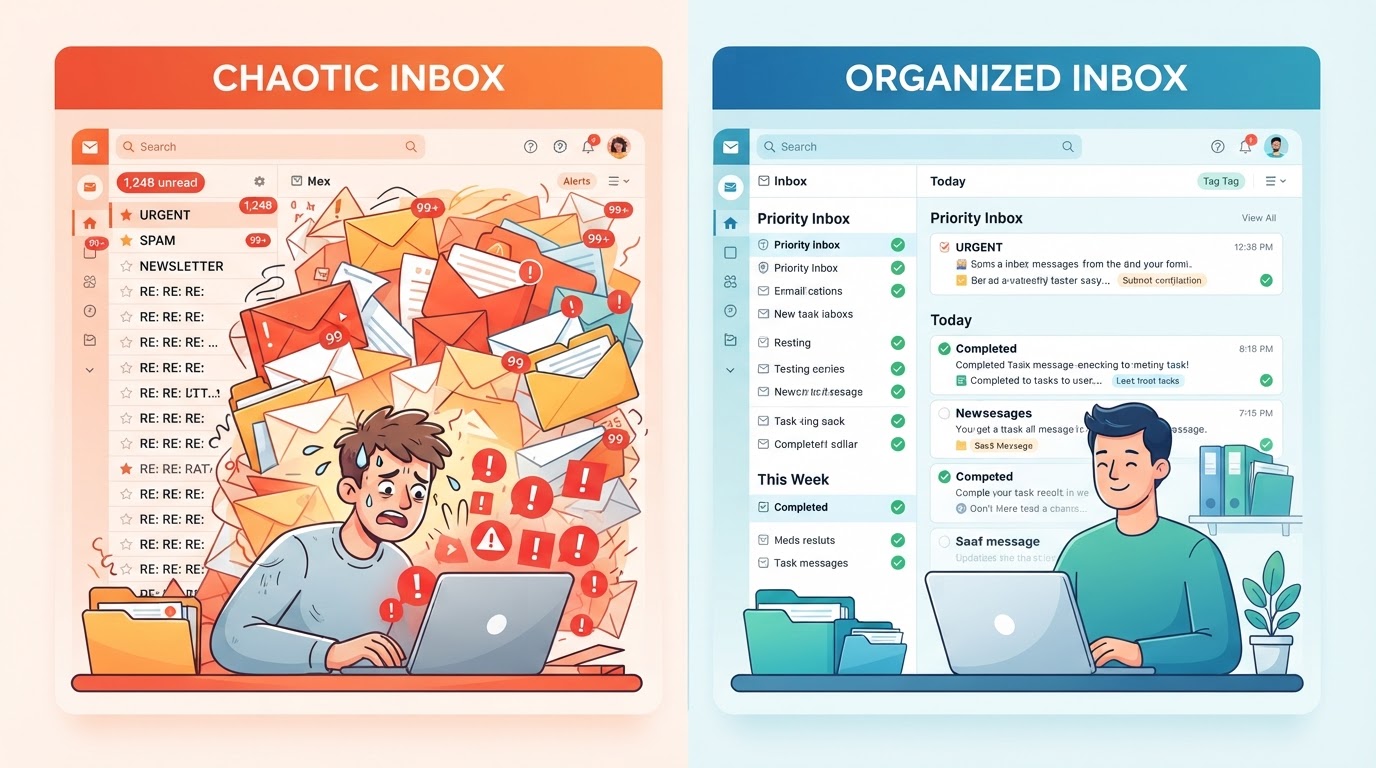
These categories often get bundled together, but they're not solving the same user need.
AI Email Client
An AI email client usually gives you a new home for email. It may offer:
- A redesigned interface
- Keyboard-heavy workflows
- Built-in drafting and summarization
- Custom navigation and inbox views
That can be great if you want to adopt a new primary workspace.
AI Email Assistant (Auto Inbox Layer)
An AI email assistant layer is different.
Instead of replacing your inbox, it supports the inbox you already have by helping with:
- Classification
- Prioritization
- Signal detection
- Follow-up visibility
- Routine inbox triage
That model tends to fit users who want operational help, not behavioral change.
How ZenAion Auto Inbox Works With Your Existing Workflow
ZenAion Auto Inbox is designed as an automation layer for your existing inbox, not as a replacement email client.
That means its role is not to persuade you to leave Gmail or Outlook behind.
Its role is to make the inbox you already use feel easier to manage.
In practical terms, that means:
- Important messages are easier to catch — you spend less time hunting for what matters
- Low-value noise takes up less mental space — newsletters, alerts, and notifications get sorted automatically
- Inbox review becomes more structured — you know what needs action and what can wait
- Repetitive sorting work is reduced — the AI handles the triage so you don't have to
- You spend less effort figuring out what deserves attention — prioritization happens before you even open the message
That's a very different promise from "start over with a smarter mailbox."
It's a quieter promise. But for the right user, it's often the more useful one.
Who Gets the Most Value From This Approach?
This kind of product usually fits people who:
- Already spend a large part of their day in Gmail or Outlook
- Don't want to migrate to a new email client
- Feel more pain from inbox triage than from email writing
- Want better prioritization, not just AI-generated replies
- Are tired of manually checking everything just to avoid missing something important
That can include founders, operators, managers, recruiters, consultants, client-facing teams, and anyone whose inbox is a mix of real conversations, internal coordination, automated notifications, and low-level noise.
If that sounds like you, then the problem isn't your email client. The problem is the repetitive work that happens inside it.
Why This Approach Can Be More Effective Than It Sounds
Inbox automation without switching apps may sound less exciting than a fully redesigned AI email client.
But in real working life, it often has a few important advantages.
1. It Asks for Less Behavior Change
People don't have to rebuild years of habits just to get help. That makes adoption easier and resistance lower.
2. It Fits How Teams Actually Work
Even if one person likes experimenting with new tools, most teams still operate through standard platforms. Working with Gmail or Outlook instead of around them is often more practical.
3. It Targets the Real Burden
For many users, the exhausting part of email isn't writing replies. It's all the invisible overhead before the reply even happens: sorting, checking, noticing, remembering, revisiting.
A tool that reduces that overhead can create more value than one that simply helps draft better sentences.
4. It Saves Attention, Not Just Time
The benefit isn't only that you move faster. It's that you waste less mental energy on inbox housekeeping throughout the day.
That can matter even more.
Trade-offs to Be Honest About
This approach isn't perfect for everyone.
1. It May Feel Less Flashy
If you like dramatic UI change, an automation layer can seem subtle. Its value usually shows up in reduced effort over time, not in a big visual wow factor.
2. It Depends Heavily on Triage Quality
If prioritization is weak, users lose trust quickly. For an auto inbox product, accuracy and judgment matter more than hype.
3. It's Not the Same as an All-in-One AI Workspace
Some users want a single command center for email, calendar, tasks, and AI. That's a different category and a different buying decision.
4. It May Not Be the Best Fit for Writing-First Users
If someone mainly wants help drafting polished emails, they may prefer tools built around composition and rewriting.
But if the main pain is inbox handling, triage automation is often the bigger unlock.
What to Evaluate If You Don't Want to Switch Apps
If you're comparing AI inbox tools from this perspective, a few questions matter more than the marketing copy:
- Does it work with the Gmail or Outlook workflow I already have?
- Does it reduce manual triage, or mostly help with writing?
- Does it surface what matters without creating another inbox I need to monitor?
- Does it help me notice action items, follow-ups, and important threads faster?
- Will it save attention on a normal workday, not just generate occasional AI output?
Those questions usually get closer to real value than any generic feature checklist.
Final Takeaway: Stop Managing Your Inbox Manually

If you're eager to reinvent how you handle email, a dedicated AI email client may be worth exploring.
But if your real goal is simpler — keep Gmail or Outlook, cut down the manual sorting, and make the inbox easier to stay on top of — then the better answer is often not replacement.
It's automation.
That's the lens that makes the most sense for products like ZenAion Auto Inbox.
The opportunity isn't to become another destination for email.
The opportunity is to reduce the repetitive inbox labor that keeps people checking, scanning, and sorting far more than they should.
If you're ready to automate your inbox without switching apps, try ZenAion Auto Inbox and see how much easier email can feel.
FAQ
What is an auto inbox?
An auto inbox is a system that automatically helps classify, prioritize, and organize incoming email so you spend less time manually sorting messages.
Do I need to leave Gmail or Outlook to use inbox automation?
No. Some products try to replace your main email client, but others work alongside the inbox you already use.
What is the difference between an AI email client and an AI email assistant?
An AI email client gives you a new interface for managing email. An AI email assistant usually supports your existing inbox through automation, prioritization, summaries, or triage.
Who gets the most value from AI inbox automation?
People who already live in Gmail or Outlook and want less manual inbox work usually benefit the most, especially if they don't want to change their current workflow.
Is AI email automation mainly about writing replies?
Not always. For many users, the bigger need is reducing inbox scanning, improving prioritization, and making sure important messages don't get buried.
Can I achieve inbox zero with AI email automation?
Yes. By automating triage and prioritization, AI email assistants can help you reach inbox zero faster and maintain it with less effort.

Laisser un commentaire
Aperçu uniquement : votre commentaire reste sur cette page, sans être enregistré ni publié.
Commentaires (0)
Aucun commentaire pour le moment.